Learn Data Science Without Burning Your Eyes
A beautiful, Waffles-native dark theme for DataCamp — toggle it on and keep coding in comfort, day or night.

A beautiful, Waffles-native dark theme for DataCamp — toggle it on and keep coding in comfort, day or night.
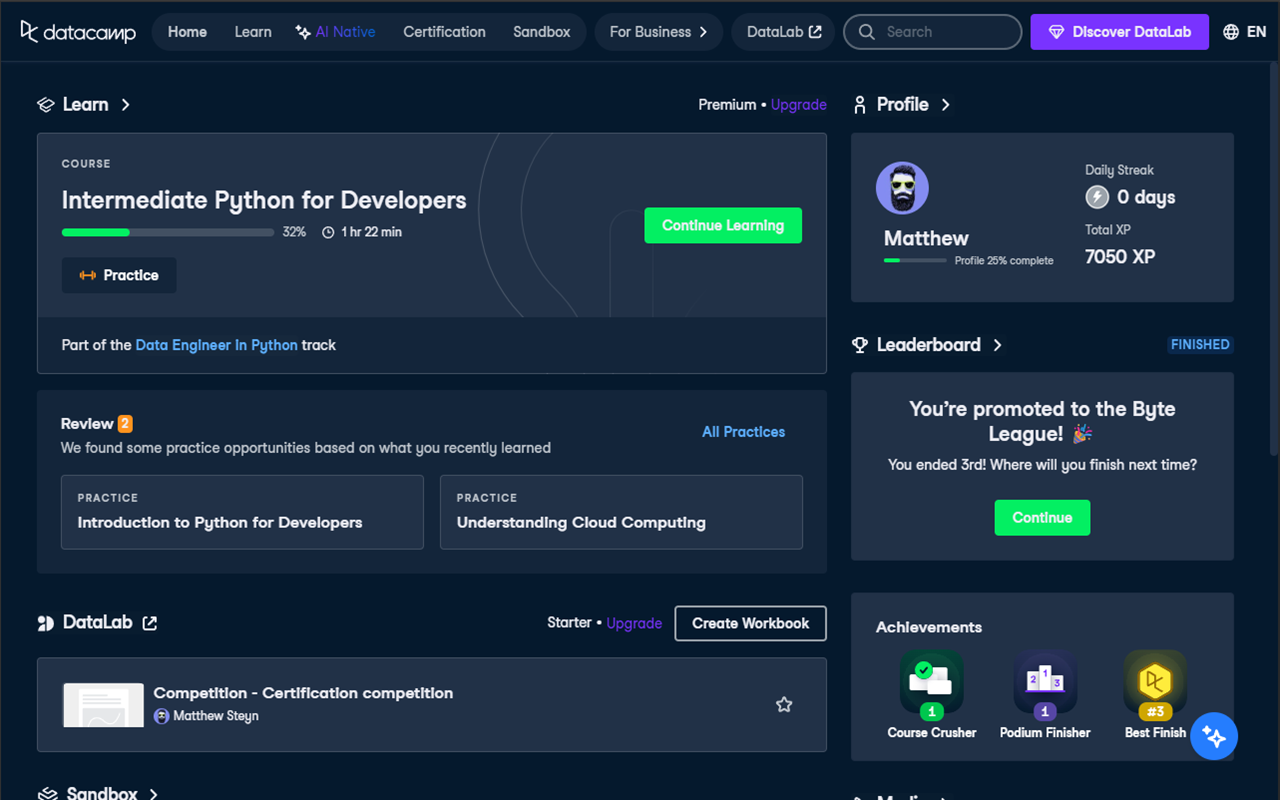
Enable or disable dark mode instantly from the toolbar popup — no page reload required.
Overrides DataCamp's own Waffles design-system CSS variables so every component looks intentionally dark.
Background, text, and border colours animate seamlessly when you flip the switch — no harsh flashes.
Automatically detects and patches Emotion CSS-in-JS computed styles that CSS variables alone can't reach.
Your preference is stored via Chrome Sync so dark mode follows you to every machine you sign in to.
Lightweight and dependency-free — just CSS overrides and a tiny content script. No external libraries.
Add DataCamp Dark Mode from the Chrome Web Store.
Navigate to any page on datacamp.com — the extension activates automatically.
Click the extension icon in the toolbar and flip the switch to enable dark mode.
Browse courses, complete exercises, and track your progress — all in a beautiful dark theme.
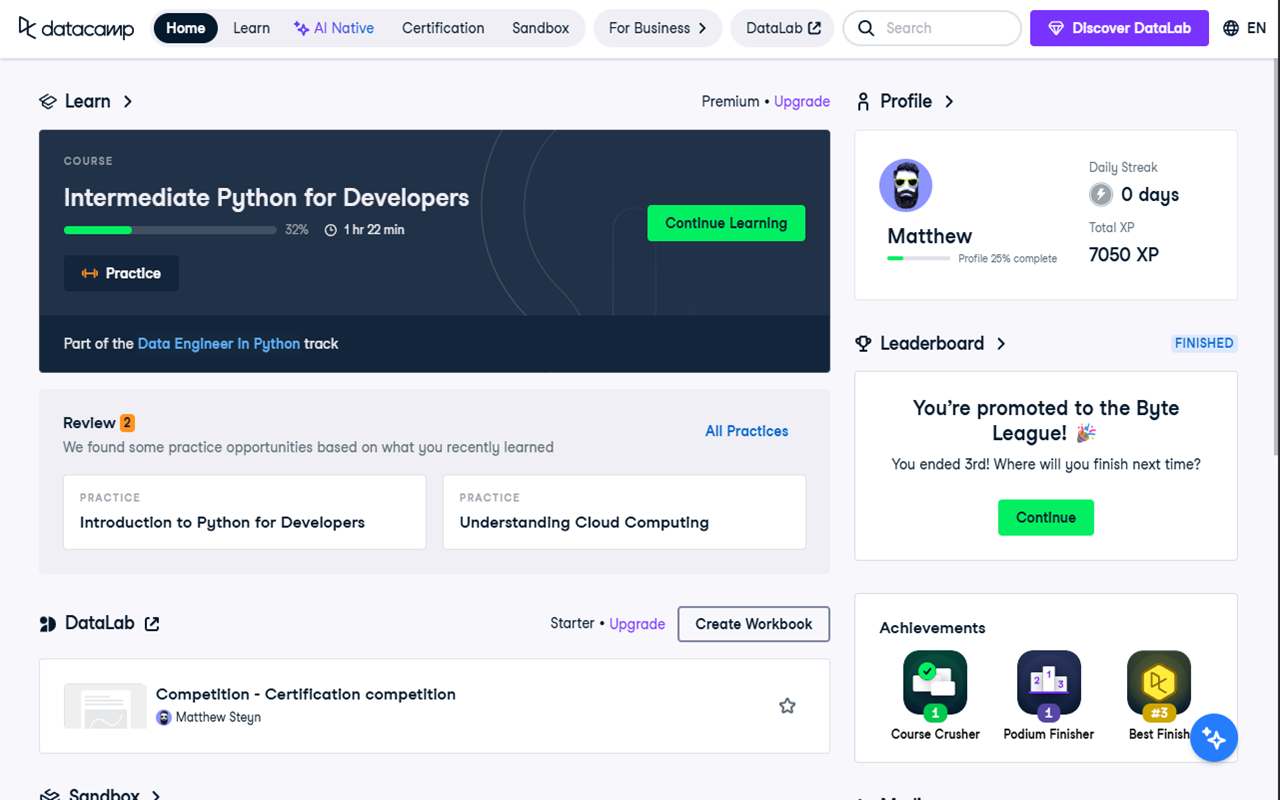
☀️ Light mode — before enabling dark mode
🌙 Dark mode — one-click toggle
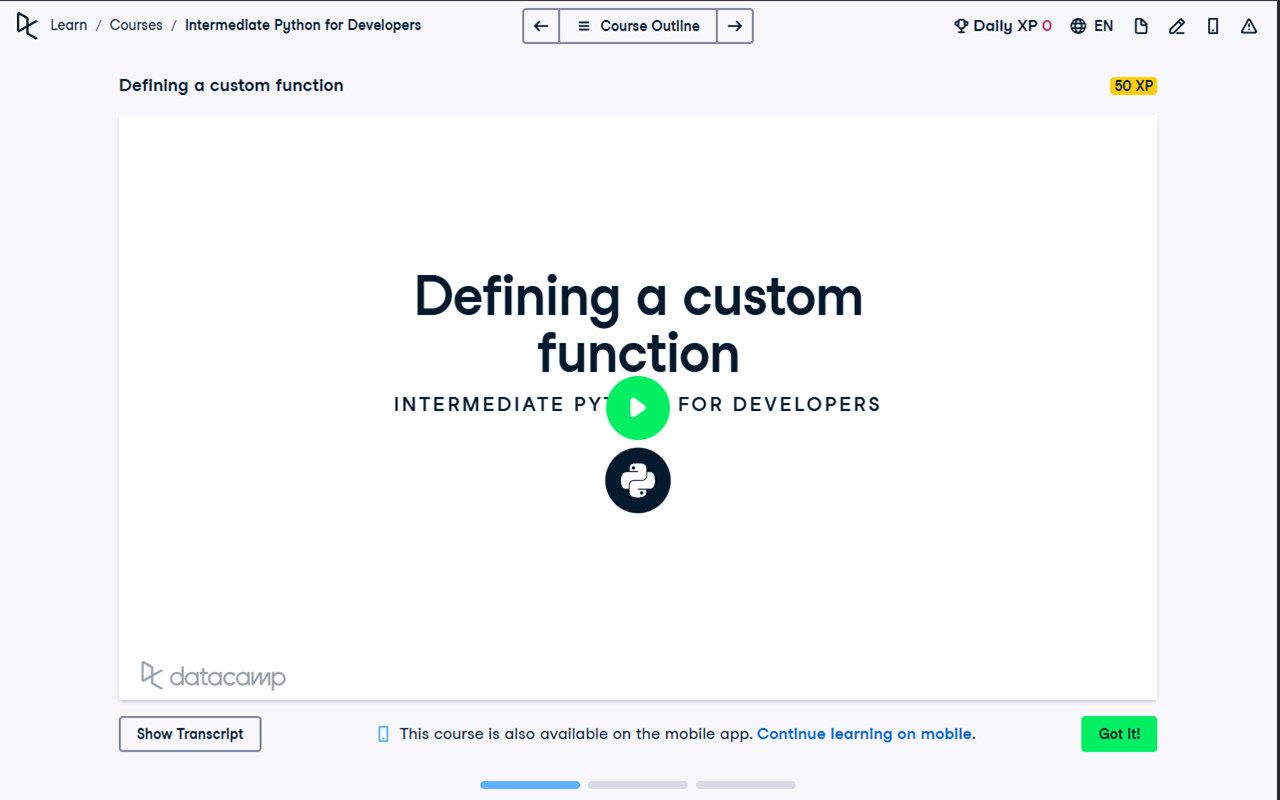
☀️ Light mode on a video course page
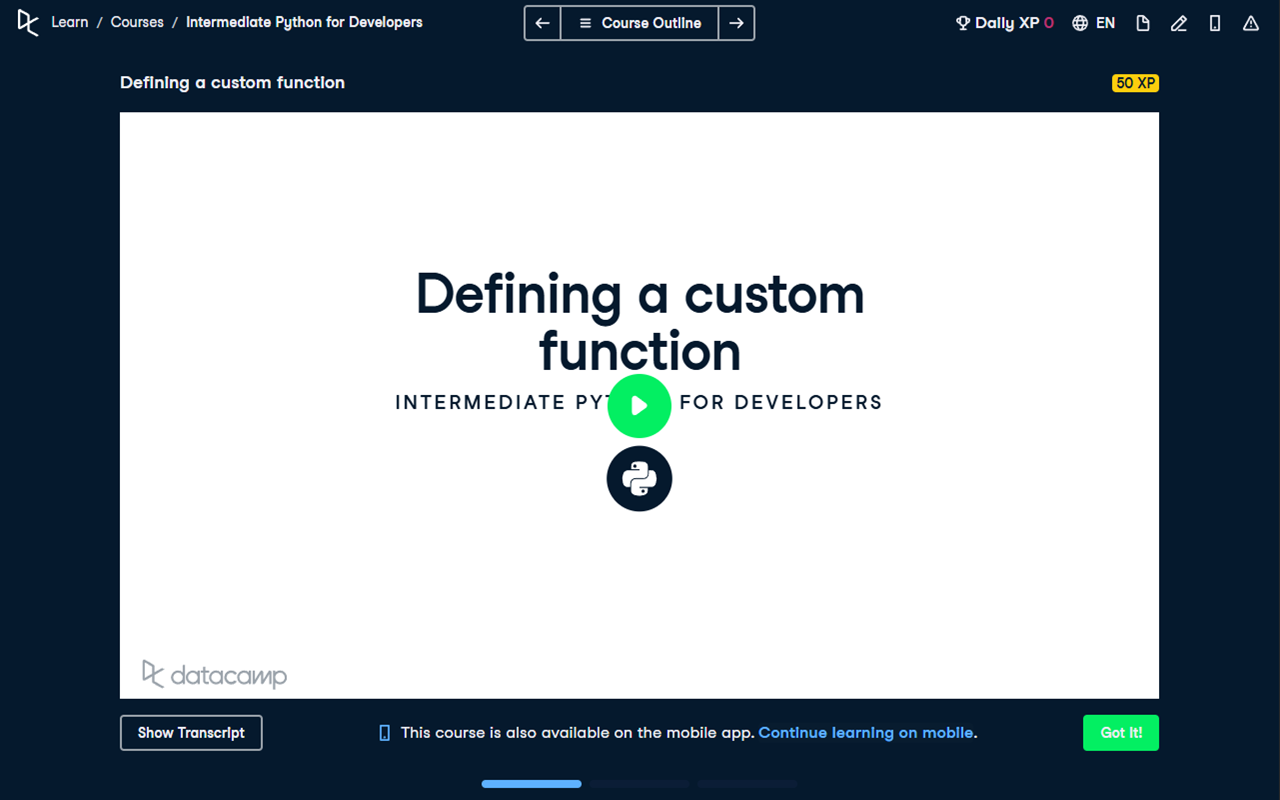
🌙 Dark mode on a video course page
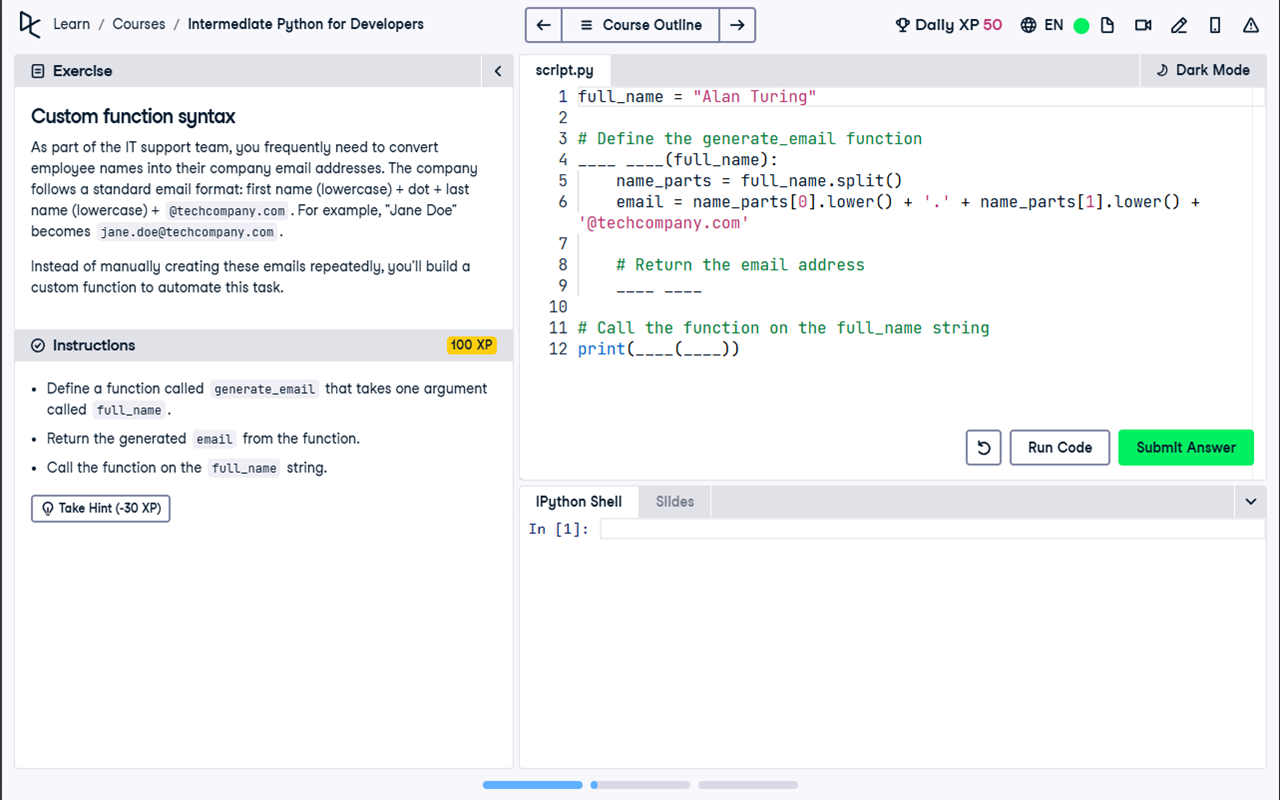
☀️ Light mode on a coding exercise
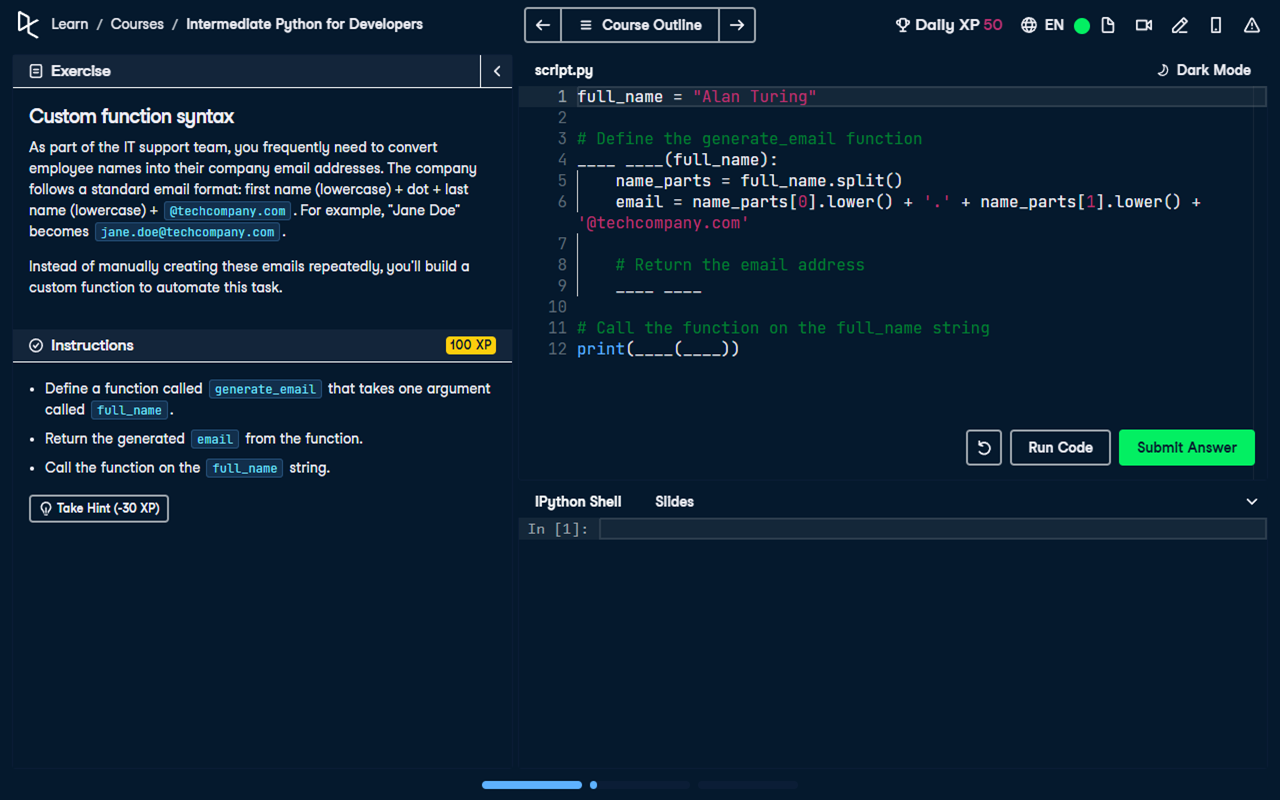
🌙 Dark mode on a coding exercise
We never collect, transmit, or store any personal data. Your browsing stays yours.
Zero analytics, no cookies, no telemetry. There is no server — nothing phones home.
Everything runs in your browser. The only thing stored is your on/off preference via Chrome Sync.
Occasionally, dynamically-loaded page elements may not pick up the dark theme on the first toggle. Simply turn dark mode off and back on again using the extension popup — this forces the content script to re-scan the page and apply the fix to any missed elements.
DataCamp Dark Mode is free and always will be. If it makes your late-night study sessions more comfortable, consider buying the developer a coffee!
Last updated: March 23, 2026
DataCamp Dark Mode is a browser extension that adds a dark theme to the DataCamp website (datacamp.com). This privacy policy explains how the extension handles your data — in short, it doesn't collect any.
darkModeEnabled) via chrome.storage.sync to remember your toggle state.This extension does not communicate with any third-party servers. It does not send or receive data over the network. The only external service referenced is the "Buy Me A Coffee" donation link, which is an optional, user-initiated action entirely outside the extension.
storage — Used to save and sync your dark-mode on/off preference across devices via chrome.storage.sync.host_permissions (*://*.datacamp.com/*) — Required to inject the dark-mode stylesheet and content script into DataCamp pages. The extension does not access or modify any other websites.Because no personal data is collected, there is no data to secure, transmit, or breach. Your toggle preference is stored locally in Chrome's synced storage, protected by your Google account.
If this privacy policy changes, the updated policy will be posted on this page with a revised "Last updated" date. The extension will never begin collecting data without a clear, upfront disclosure.
If you have questions about this privacy policy, you can reach the developer via the Buy Me A Coffee page.
By using DataCamp Dark Mode, you consent to this privacy policy. Since the extension collects no data, there is nothing further to agree to.